
How do I save my Templates, Layouts and Profiles externally?
You can save your Templates, Layouts, and Profiles by following these steps:
- Close Trading Station.
- Click “Start” -> “Computer” -> “C Drive” (Local Disk or Hard Drive) -> “Program files (x86)” -> “Candleworks” -> “FXTS2”
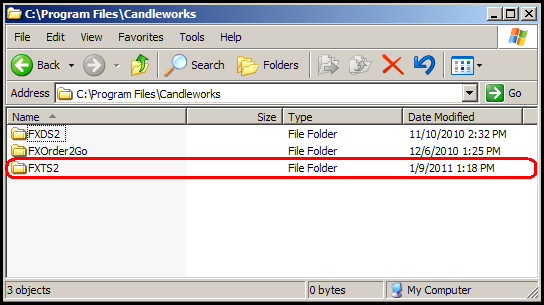
- Locate the folders that contain the contents you wish to save.
- Open each folder and copy the contents. Then, create a new folder on your desktop and paste the contents directly into the new folder.
- Repeat the process for all the items you wish to save.
Please note that you may want to label each folder you create to make this easier when importing the contents to a different version.